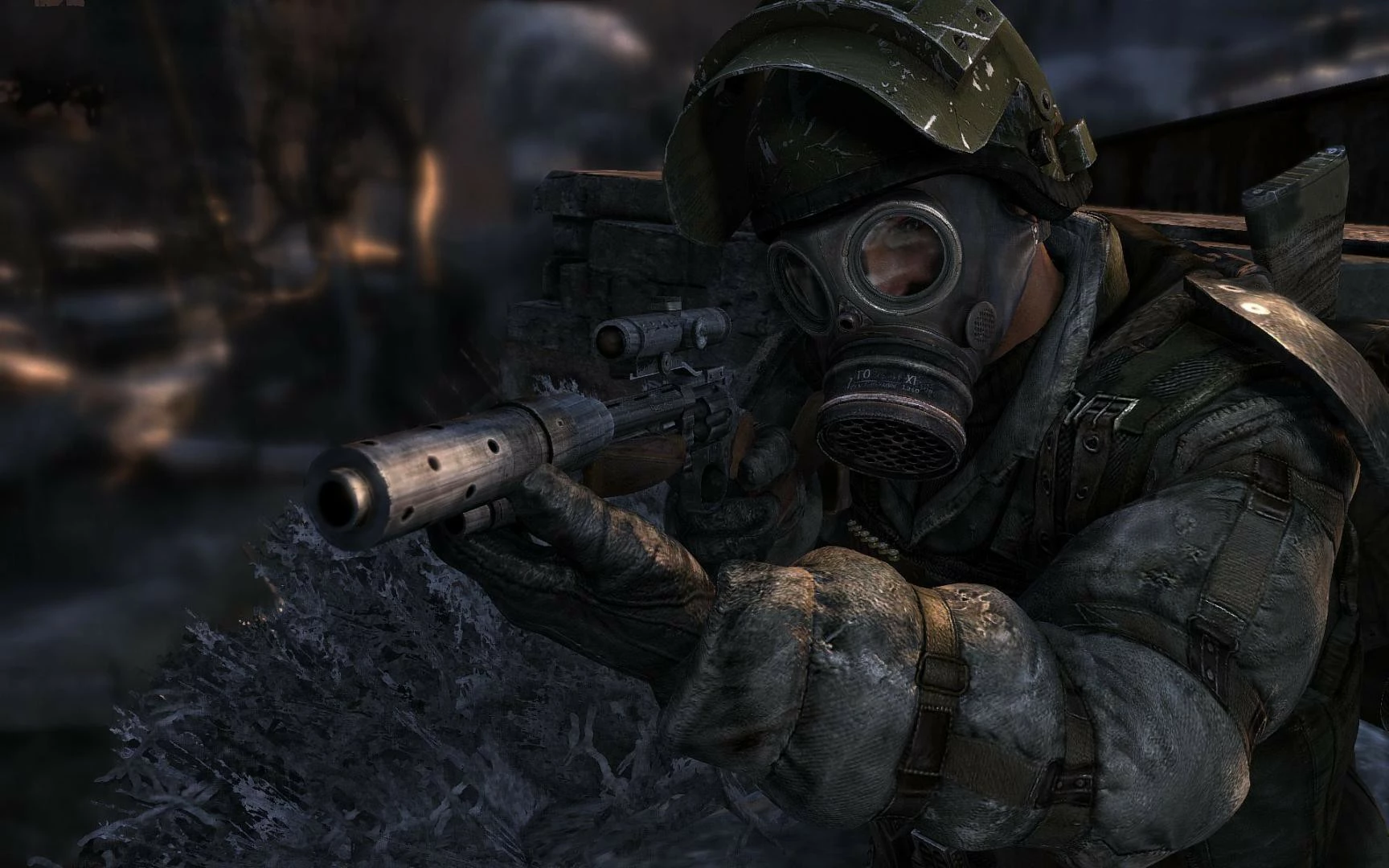
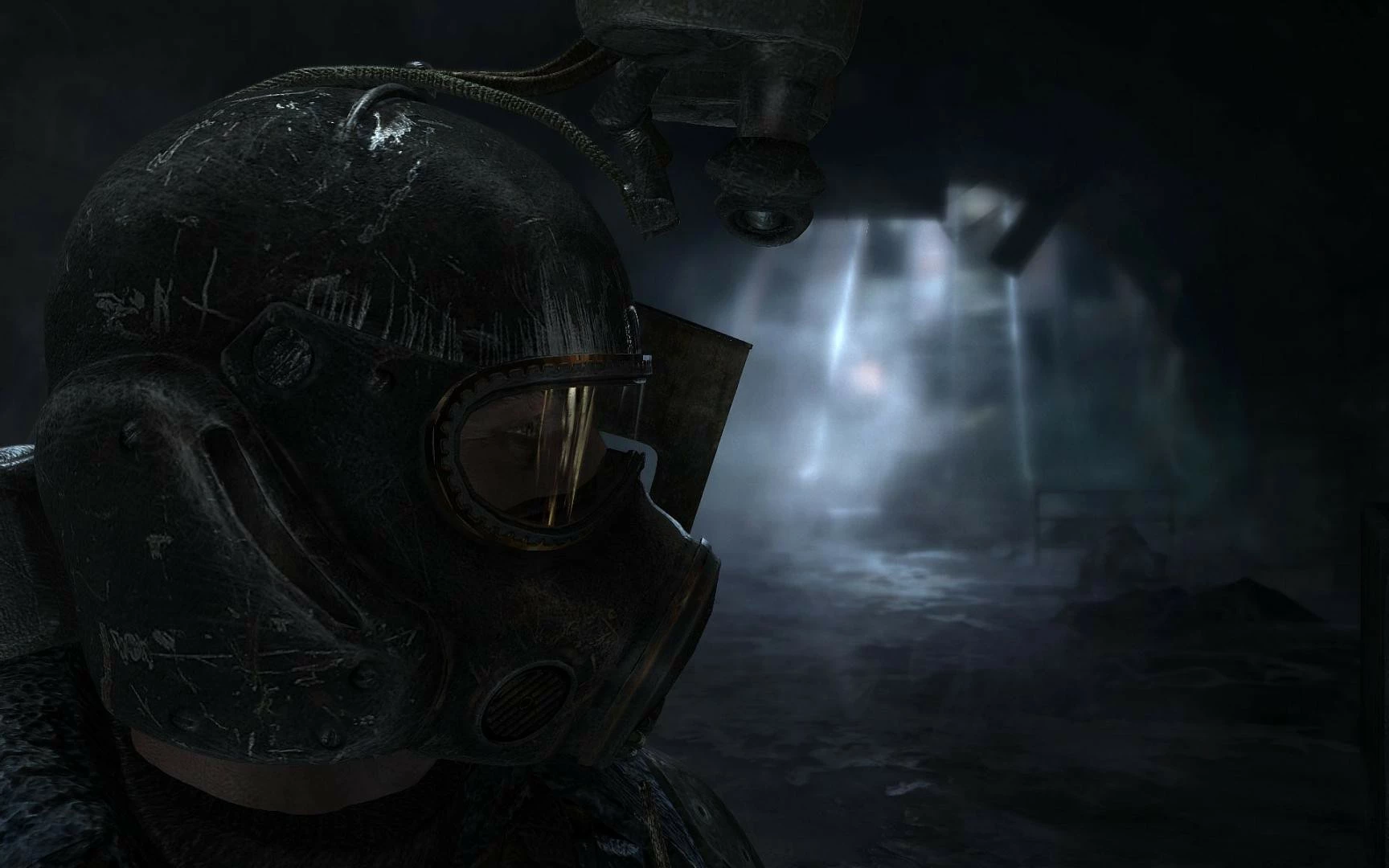
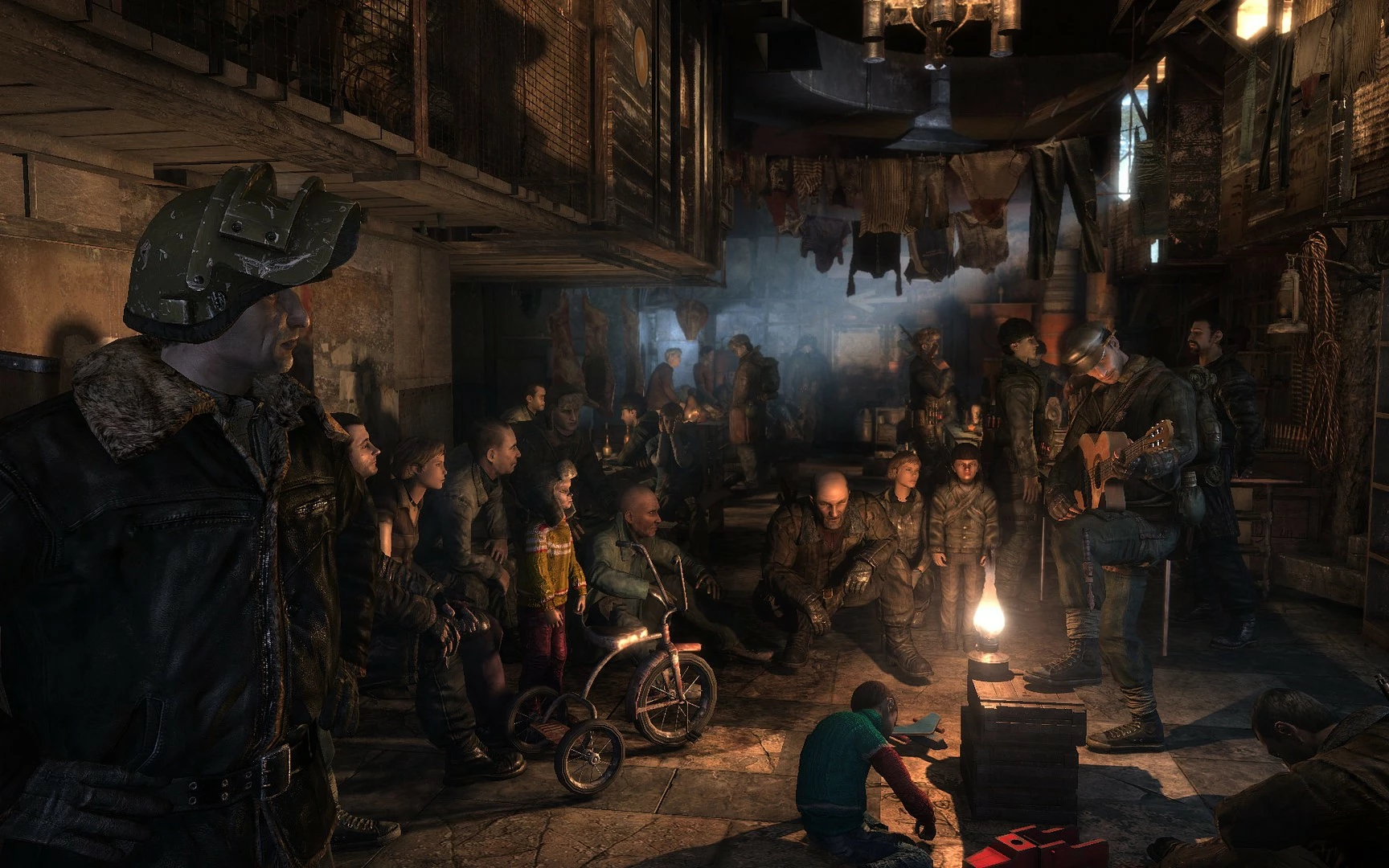
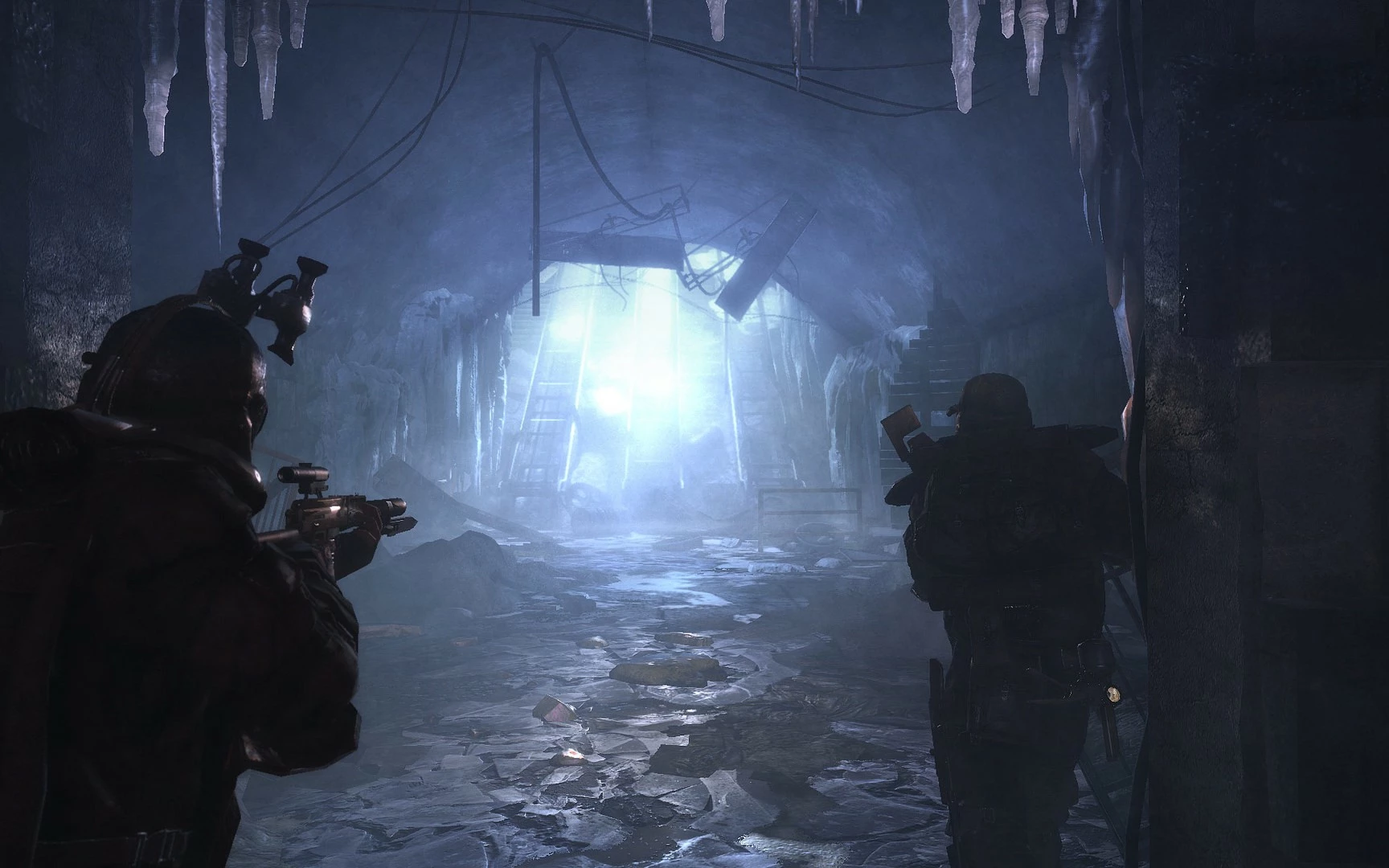
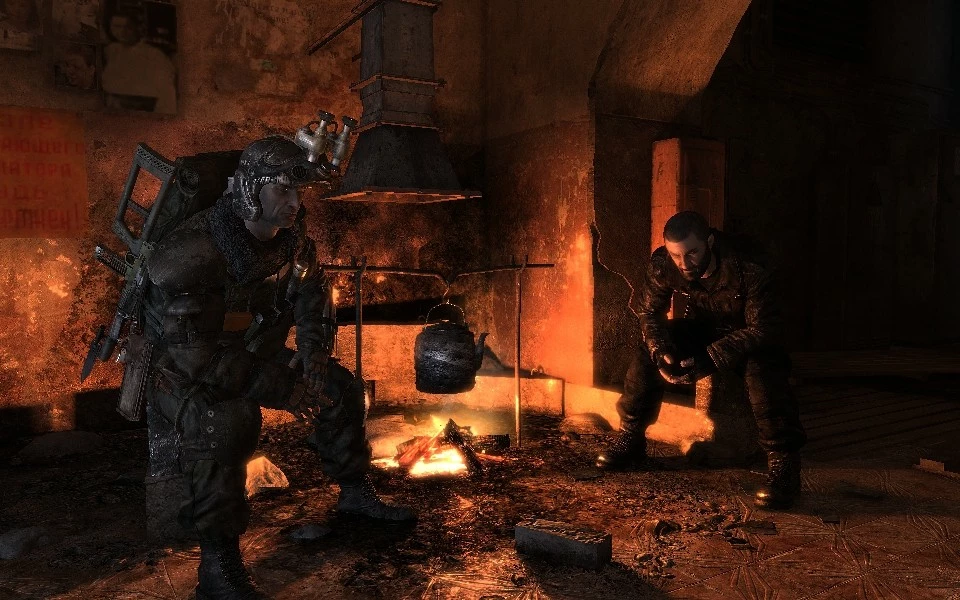
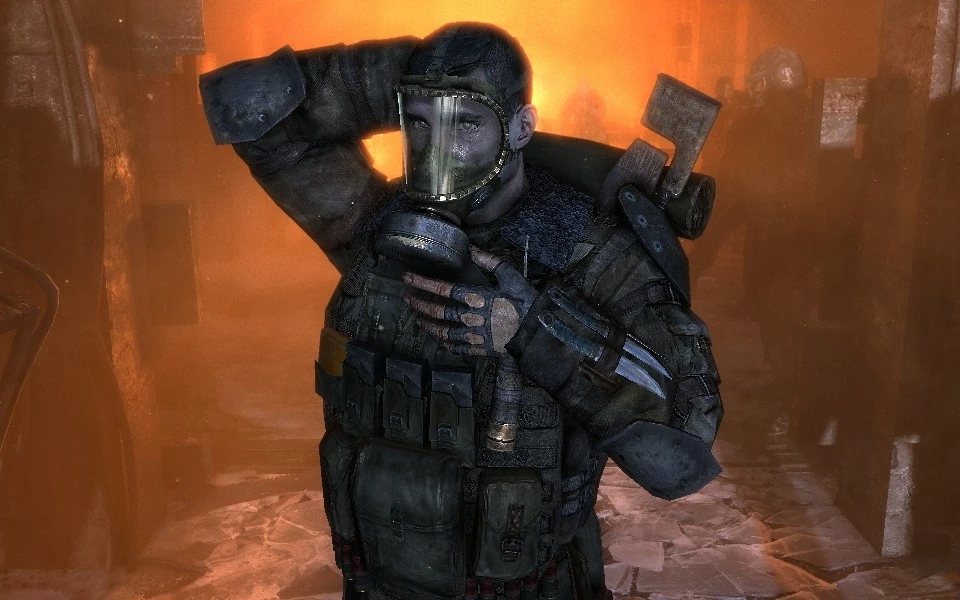
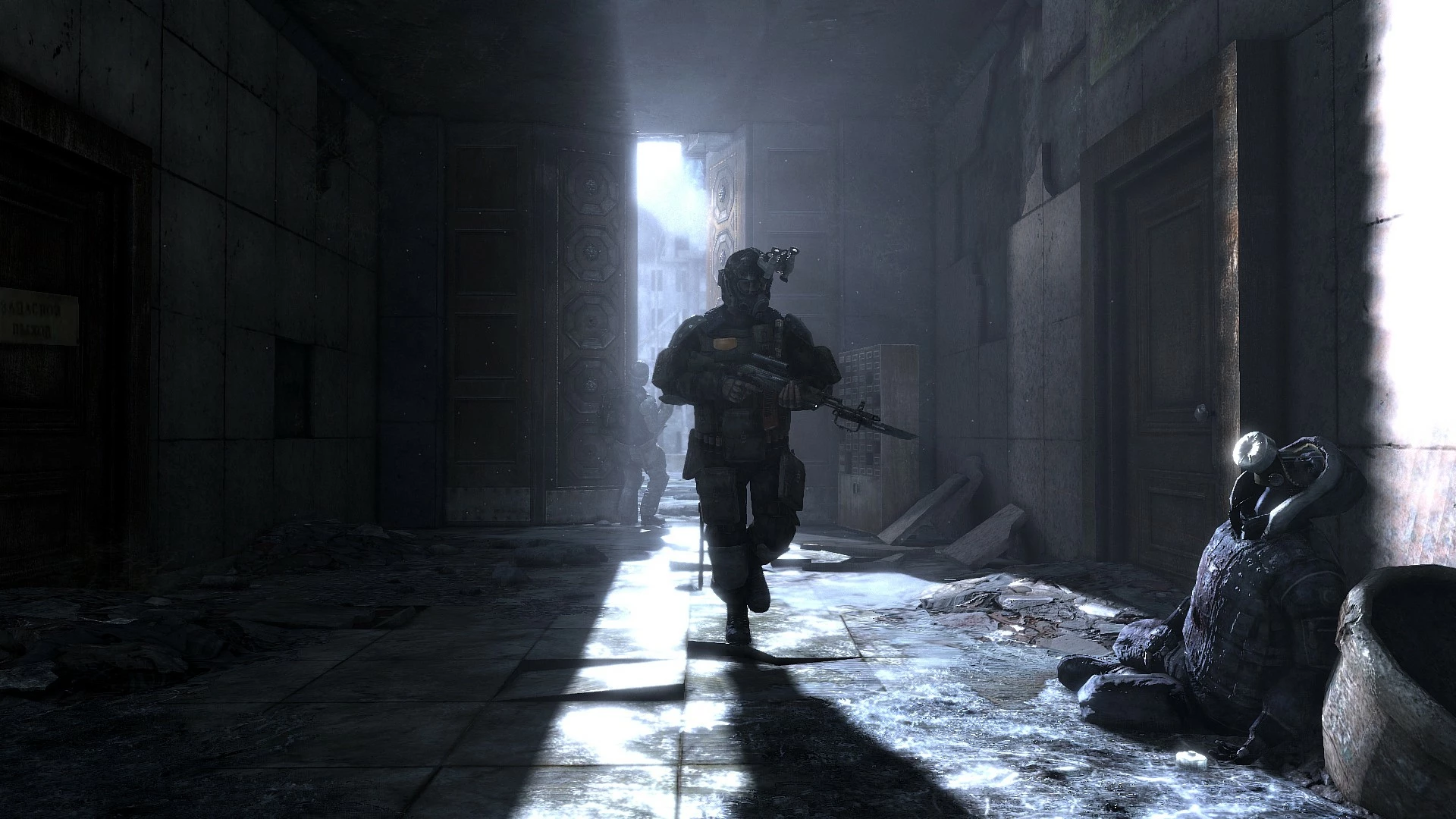
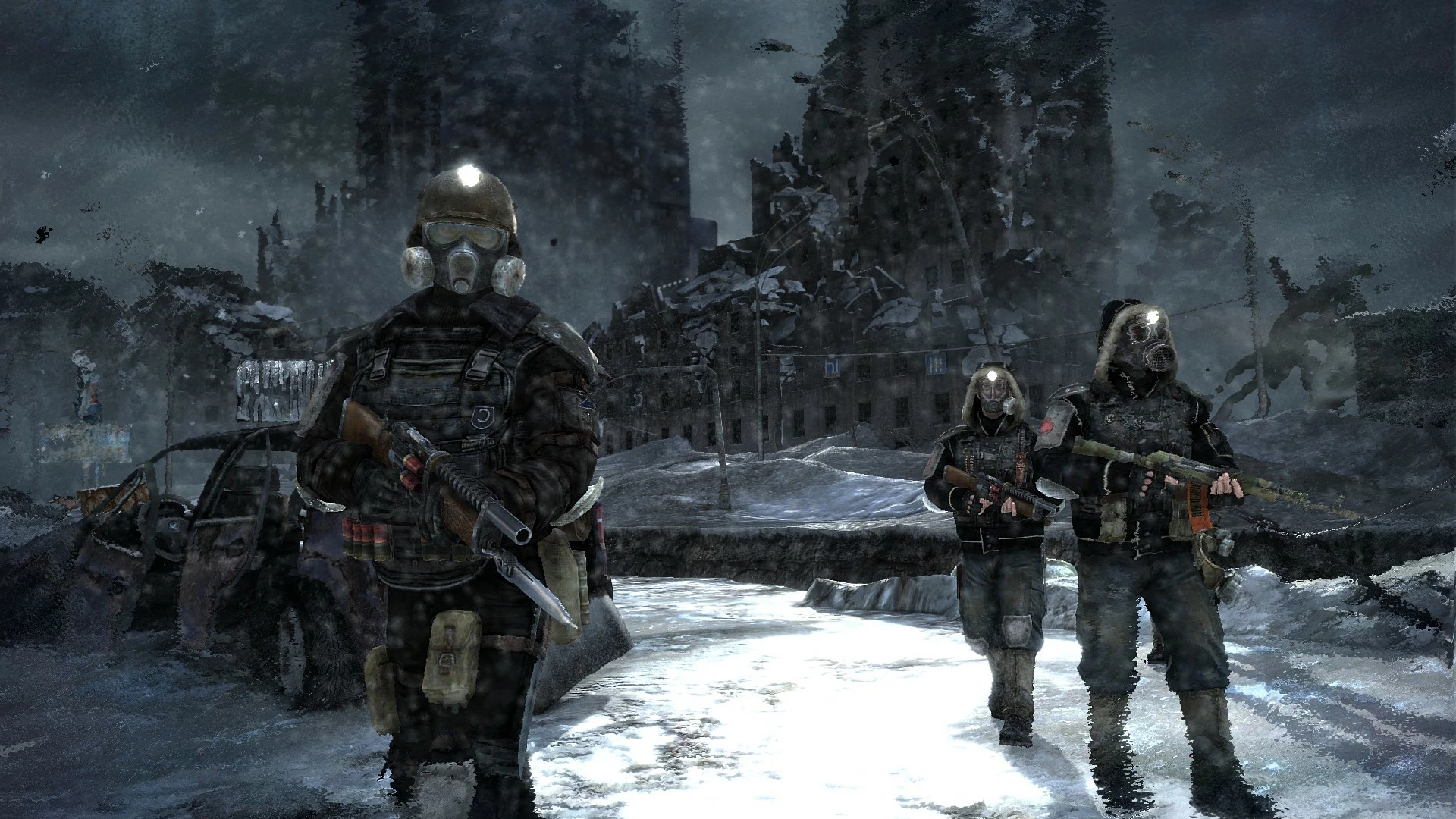
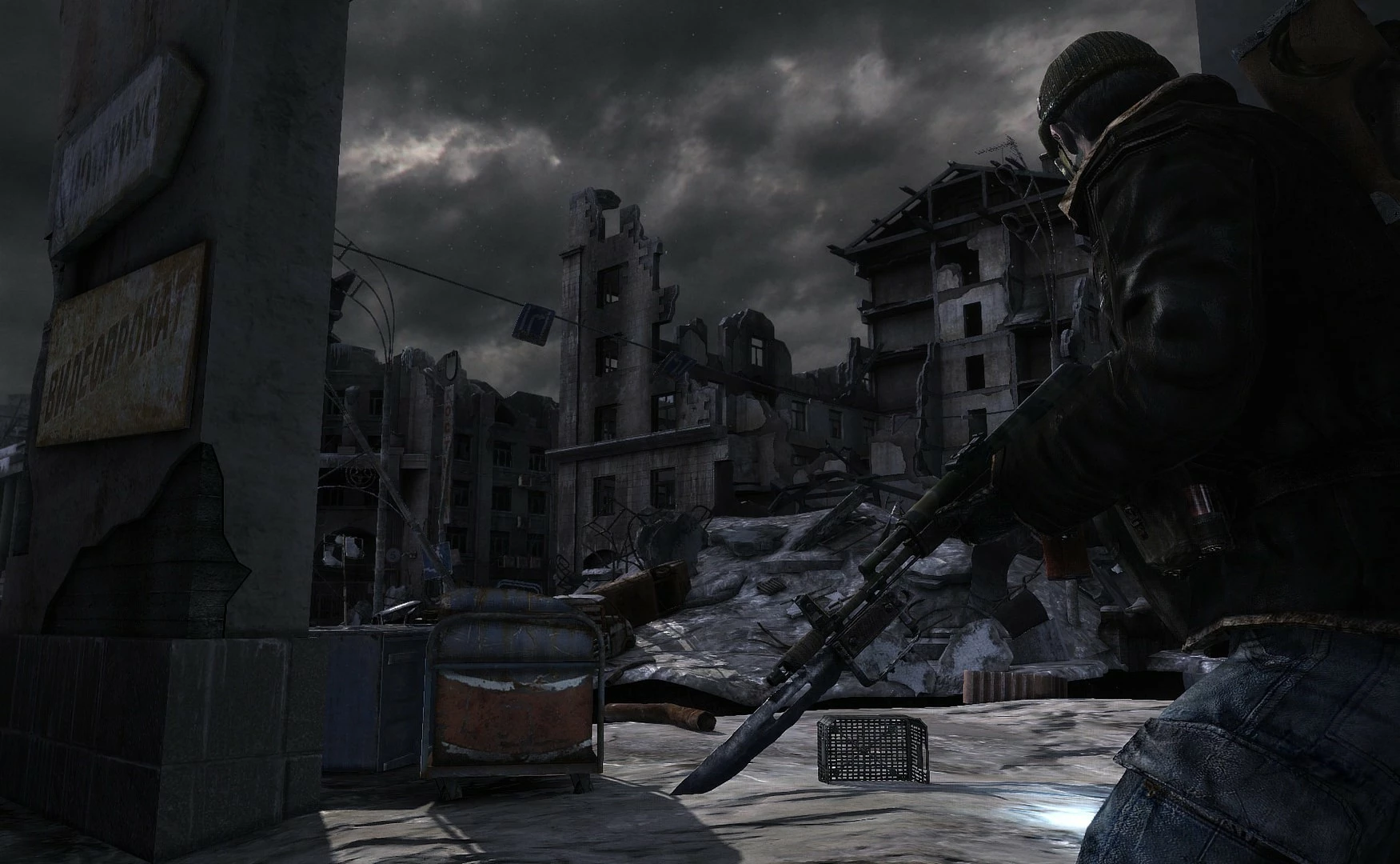
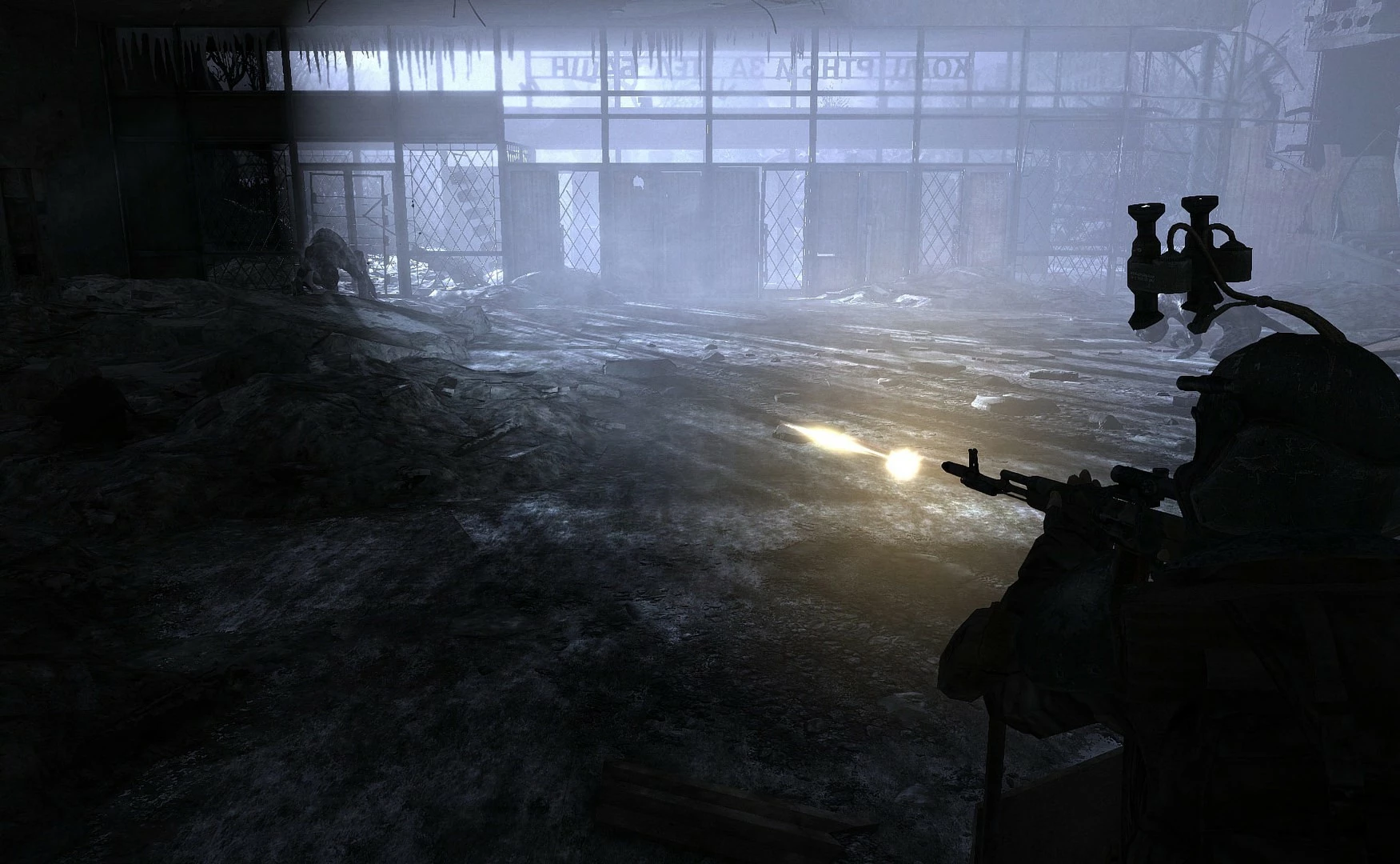
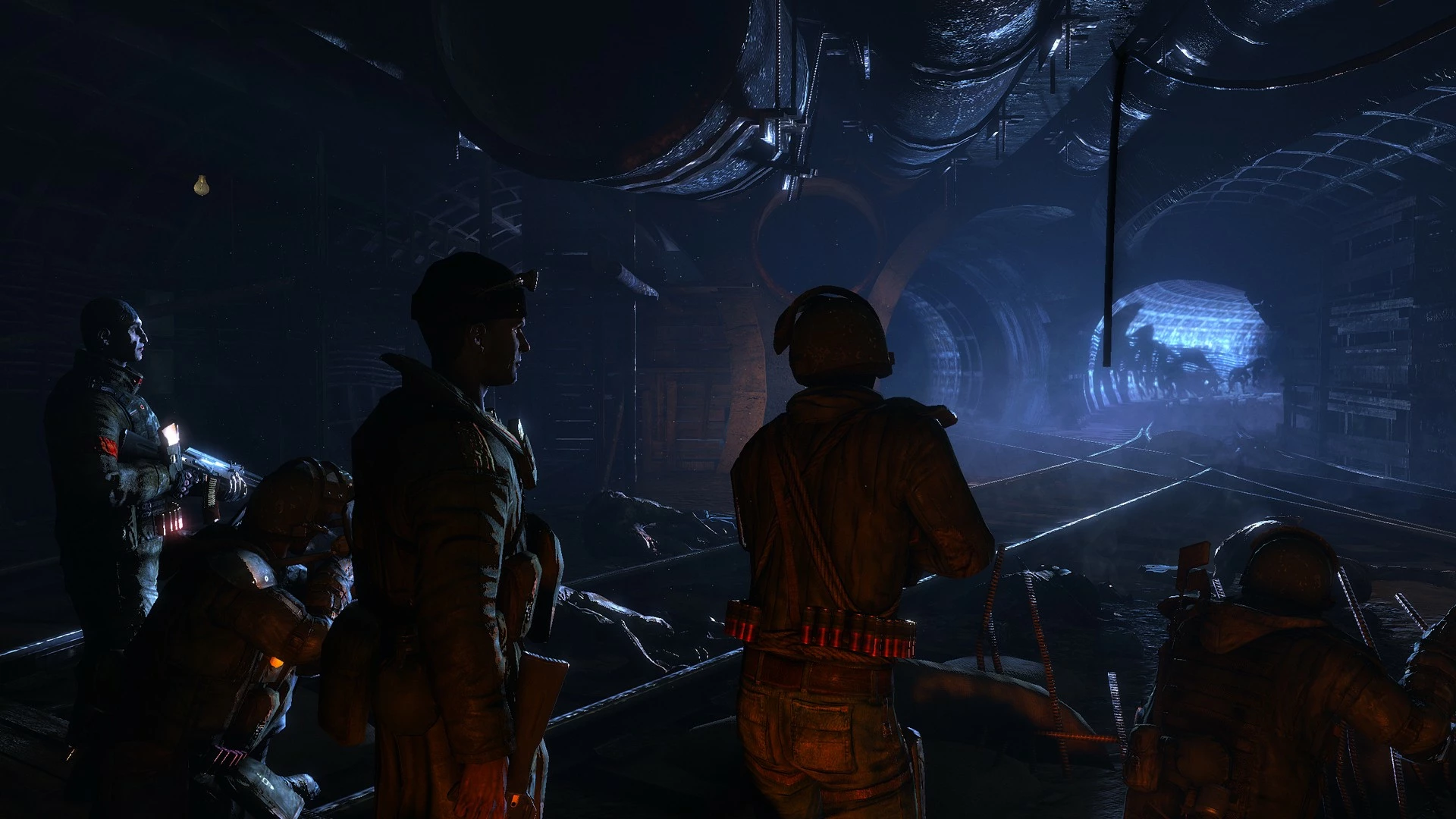
Metro 2033 thrusts you into the chilling depths of post-apocalyptic Moscow, where survival hinges on your wit and grit. Play as Artyom, a reluctant hero navigating a sprawling underground network filled with hostile factions and terrifying mutants. With every resource meticulously managed—bullets, gas mask filters, and medical supplies—strategic planning is key to overcoming relentless challenges. Experience pulse-pounding moments in intense firefights while unraveling a haunting narrative that keeps you on edge. Face the nightmare of the surface world and its toxic wasteland, and prepare for a gripping journey where every decision could mean life or death. Will you rise to the challenge?
Download Metro 2033
See allThis is an unofficial port of Metro 2033 for Android with touchscreen controls. Enjoy the game! Installation Guide: 1. Download and install the Metro 2033 APK. 2. Extract…Read moreHide description
This is an unofficial port of Metro 2033 for Android with touchscreen controls. Enjoy the game!
Installation Guide:
1. Download and install the Metro 2033 APK.
2. Extract the Metro-2033-apkvision.7z archive.
3. Open the launcher and tap PLAY.
4. Tap SELECT MANUALLY in the prompt window.
5. Select the extracted Metro 2033 folder containing the game files (like content.upk0, __redist, etc.) and confirm.
6. Tap PLAY again to launch the game.
This is an unofficial port of Metro 2033 for Android with touchscreen controls. Enjoy the game! Installation Guide: 1. Download and install the Metro 2033 APK. 2. Extract…Read moreHide description
This is an unofficial port of Metro 2033 for Android with touchscreen controls. Enjoy the game!
Installation Guide:
1. Download and install the Metro 2033 APK.
2. Extract the Metro-2033-apkvision.7z archive.
3. Open the launcher and tap PLAY.
4. Tap SELECT MANUALLY in the prompt window.
5. Select the extracted Metro 2033 folder containing the game files (like content.upk0, __redist, etc.) and confirm.
6. Tap PLAY again to launch the game.