
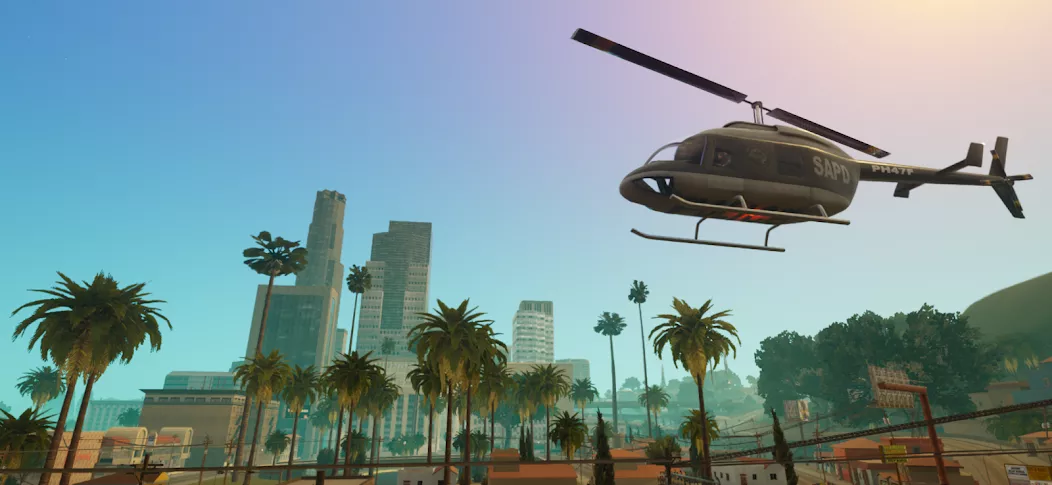
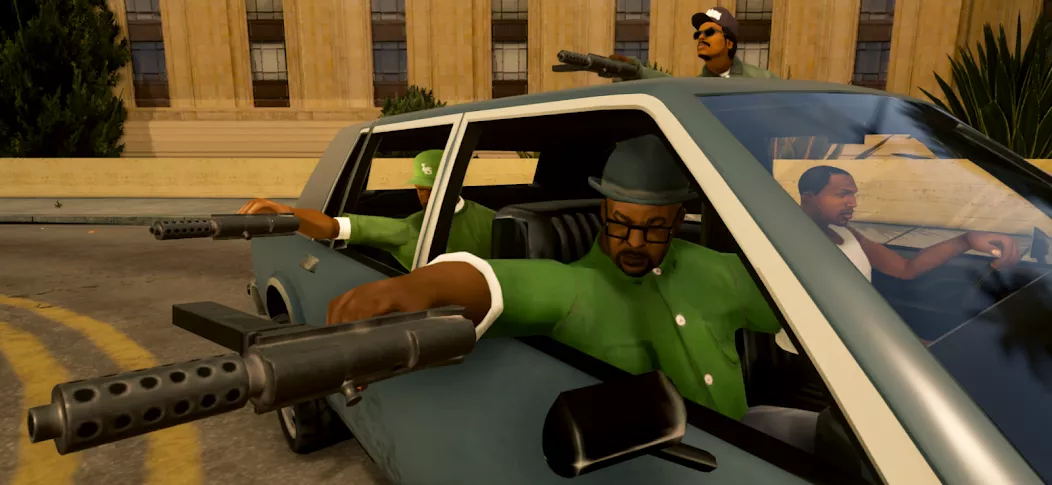
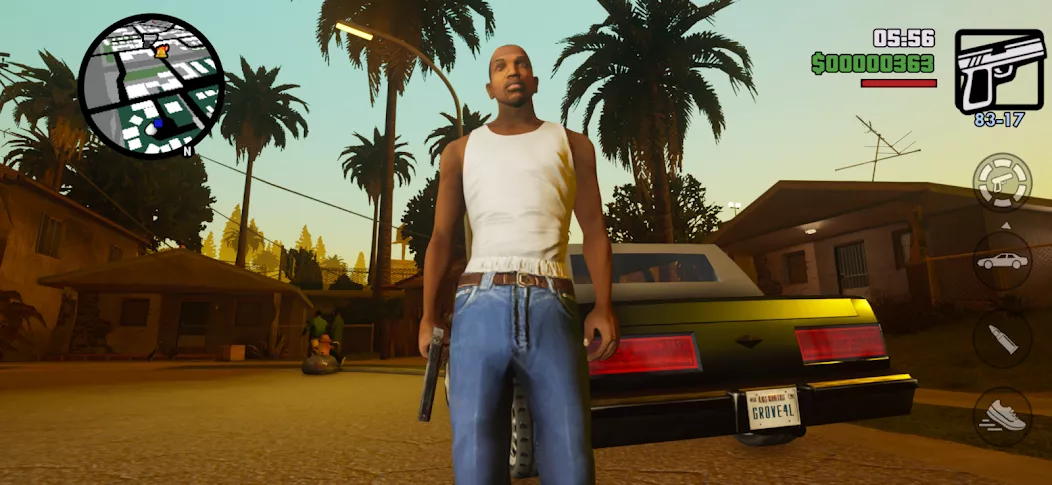
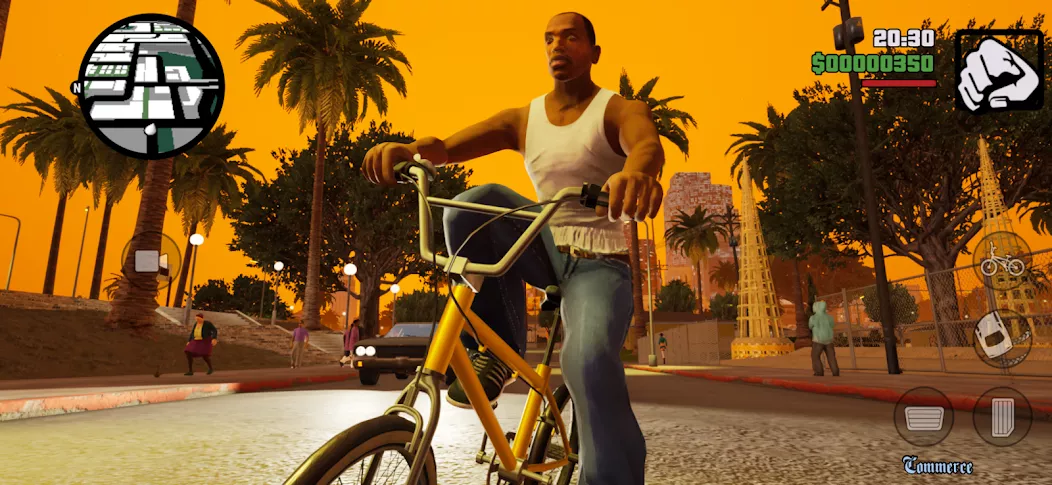
GTA: San Andreas - Definitive is the ultimate revamp of the beloved classic game, offering a new look with improved graphics and gameplay. Follow CJ as he navigates the dangerous world of Los Santos, taking on risky missions and facing off against rivals in this action-packed adventure. Dive back into the criminal underworld and see if you have what it takes to rise to the top.

Download GTA: San Andreas – Definitive
See all⚙️ Installation Guide – GTA: San Andreas (Android) 1. Make sure your device is running Android 8.0 or higher. 2. Free up at least 15 GB of storage…Read moreHide description
⚙️ Installation Guide – GTA: San Andreas (Android)
1. Make sure your device is running Android 8.0 or higher.
2. Free up at least 15 GB of storage space before installation.
3. Install the game using ZArchiver, XAPKS Installer, or SAI (Split APKs Installer).
4. On the first launch, please be patient — the game will take some time to unpack its resources.
💾 How to reduce the game size (about 7 GB):
1. Launch the game and wait until the main menu fully loads.
2. Extract the downloaded .apks file.
3. Install only base.apk (as an update).
Netflix version: GTA: San Andreas – NETFLIX APK
– Cache embedded – Works offline – Android 5.0+ – APKS installation via ZArchiver, XAPKS Installer or SAI (Split APKs Installer). Before installing, free up at least 15…Read moreHide description
– Cache embedded
– Works offline
– Android 5.0+
– APKS installation via ZArchiver, XAPKS Installer or SAI (Split APKs Installer). Before installing, free up at least 15 GB of memory space on your device.
P.S. the first launch of the game is very long – it is unpacking resources
How can I reduce the 7 GB of space the game takes up?
You need to enter the game and wait for the main menu to load. Then unzip the apks file you downloaded. And install only base.apk (as an update).
Netflix version – GTA: San Andreas – NETFLIX APK