
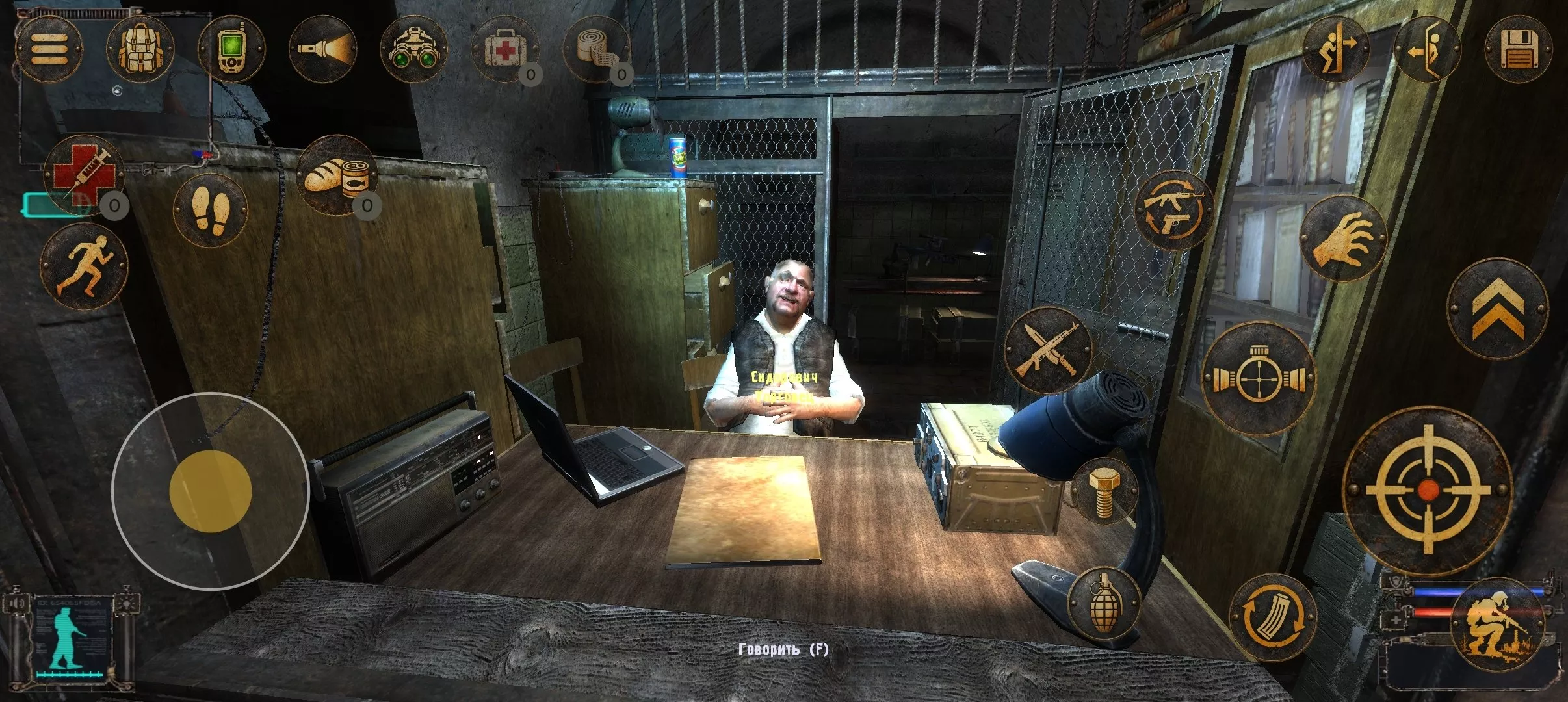
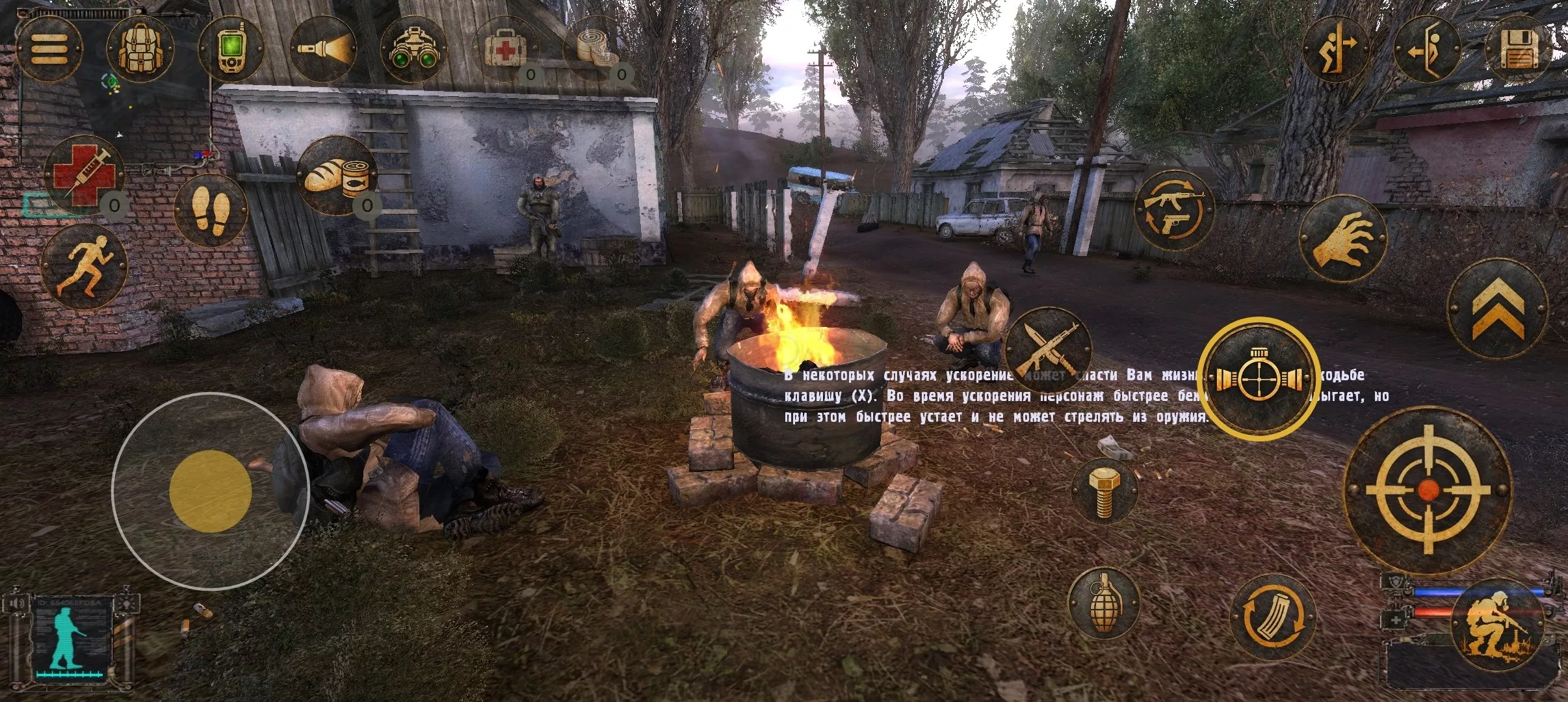
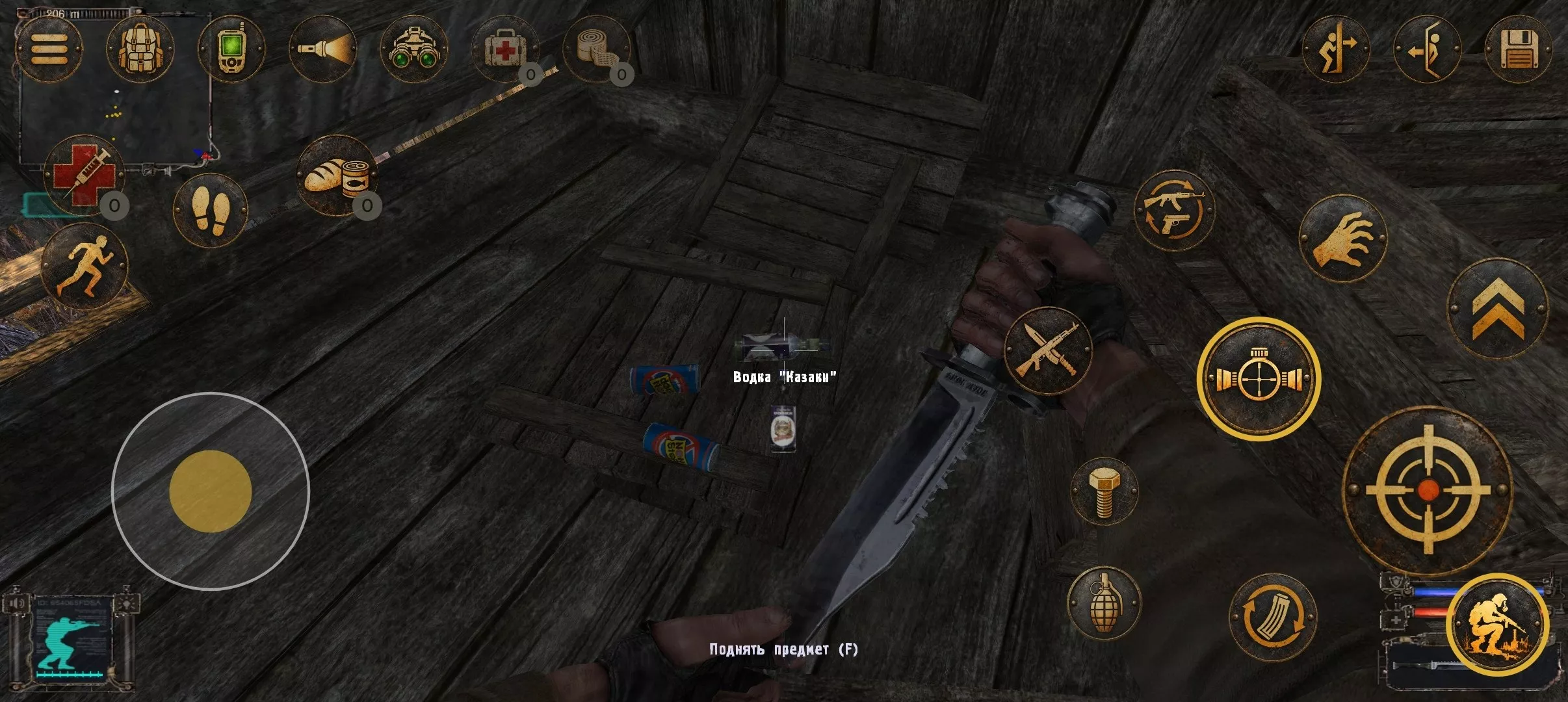
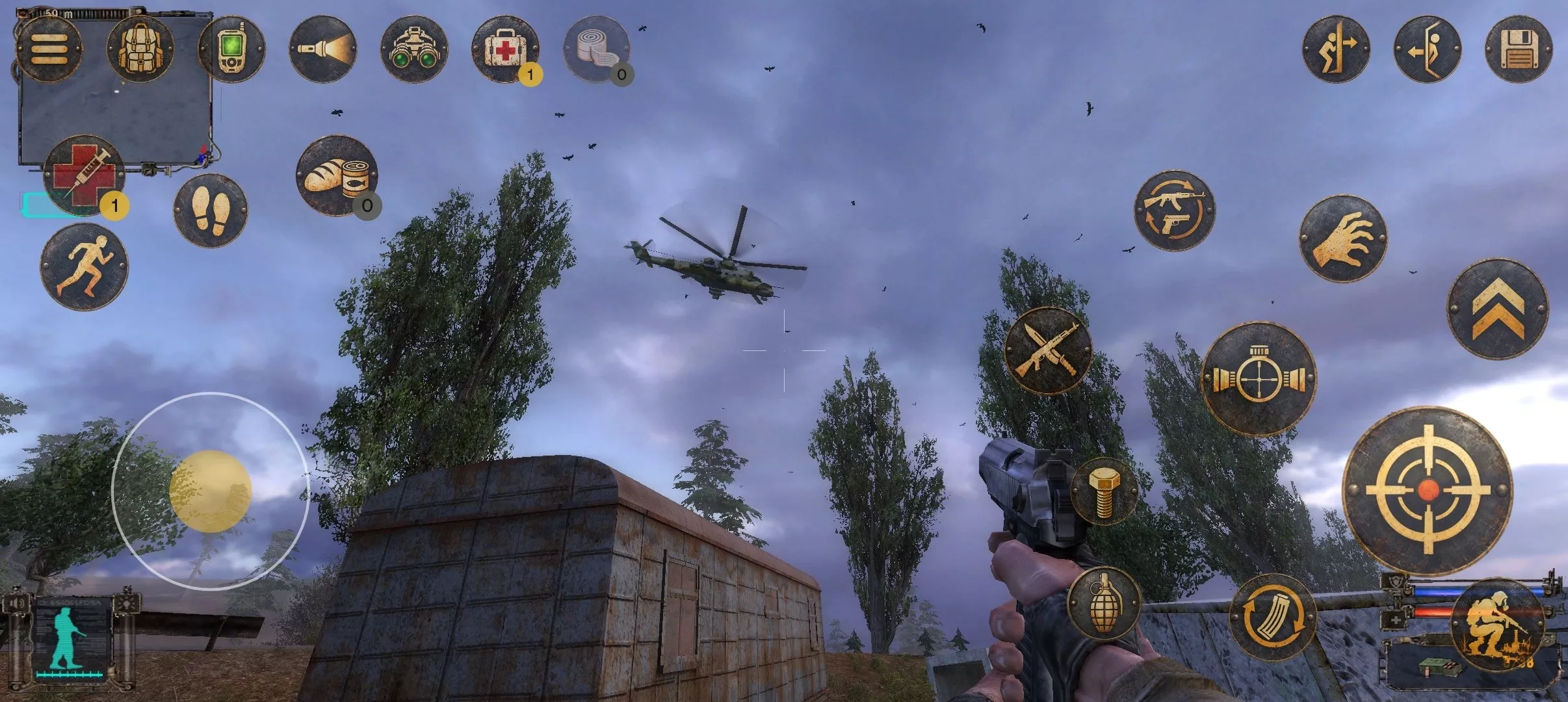
S.T.A.L.K.E.R.: Shadow of Chernobyl membawa Anda memasuki kedalaman menyeramkan Zona Eksklusi Chernobyl, memadukan aksi yang menegangkan dengan horor bertahan hidup. Jelajahi lanskap yang mencekam di mana mutan mematikan mengintai dan anomali misterius memutarbalikkan kenyataan. Terlibat dalam baku tembak yang intens dengan faksi rival sambil mencari senjata kuat dan artefak langka untuk memperkuat persenjataan Anda. Dengan alur cerita yang memikat yang berkembang melalui pilihan Anda, setiap pertemuan mempertaruhkan keterampilan—dan kewarasan—Anda. Rasakan perjalanan atmosfir ini dan ungkap rahasia yang tersembunyi di balik bayangan. Apakah Anda siap menghadapi Zona dan bertahan hidup?
Unduh S.T.A.L.K.E.R.: Shadow of Chernobyl
Lihat semuaThis is an unofficial port of S.T.A.L.K.E.R.: Shadow of Chernobyl for Android with touchscreen controls. Enjoy the game! Note! The Stalker.zip file only supports Russian. How to Install…Baca lebih lanjutSembunyikan deskripsi
This is an unofficial port of S.T.A.L.K.E.R.: Shadow of Chernobyl for Android with touchscreen controls. Enjoy the game!
Note! The Stalker.zip file only supports Russian.
How to Install S.T.A.L.K.E.R.: Shadow of Chernobyl on Android?
1. Download the APK launcher and the game data ZIP archive.
2. Install the APK file on your Android device.
3. Extract the ZIP archive. You should get a folder named `Stalker` containing 12 game data files (`gamedata.db0` through `gamedata.dbb`).
4. Move the entire `Stalker` folder to your device’s internal storage: `Download/Stalker/`.
5. Launch the game using the installed APK.
### System Requirements
– **Android:** 8.0–14
– **RAM:** 8 GB or more
– **Storage:** Approximately 6 GB of free space
– **Processor:** 64-bit ARM (arm64-v8a) with OpenGL ES 3.2 support
**Important Notes:**
– Configure graphics settings through the launcher before starting the game.
– Avoid changing graphics settings in-game. If necessary, confirm changes by tapping **Apply**.
– To prevent potential issues, exit the game using **Quit Game → Exit to Windows**.